Ready to unlock a world of AI-powered fun? Join our newsletter for weekly DIY guides, creative hacks, and exclusive tips from the AI Entrepreneurs: Visual Playground Series! Subscribe Now!
Imagine creating your own app in minutes — no coding skills, no hefty budget, just your ideas and Canva’s magic. That’s what Canva’s “Code for Me” feature, part of Canva AI, delivers in 2025. Whether you’re a solo entrepreneur or on a small team, this free tool lets you craft custom apps like to-do lists or widgets with zero hassle.

Let’s explore why it’s a must-have and how to make a simple to-do app.
What’s Canva’s “Code for Me” All About?
“Code for Me” is your tech sidekick. Describe what you want in plain English, and it builds a working app with HTML, CSS, and JavaScript — no servers needed. Access it via Canva’s homepage: click “Canva AI,” then “Code for Me.” It’s free, with 20 daily prompts for free users and 60 for Pro, Teams, or Education accounts. Customize the app, add it to a Canva design, or share it as a webpage. Simple!
Need complex apps? Hire a coder later. For quick tools, this is gold.
Why You’ll Love It
Entrepreneurs and teams are swamped — launching ideas, chasing goals, managing tasks. “Code for Me” rocks because it:
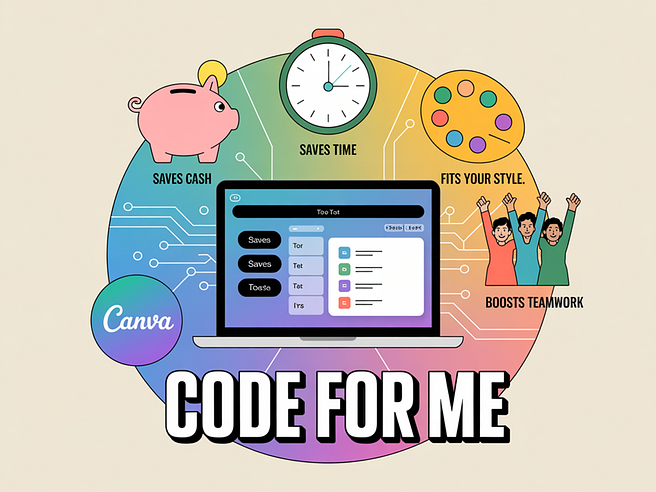
- Saves Cash: No developers or pricey tools required.
- Saves Time: Apps done faster than your coffee run.
- Fits Your Style: Use your brand’s colors and fonts.
- Boosts Teamwork: Share apps for seamless collaboration.
Try It Out: Make a To-Do List App
Need a task organizer? Here’s how to build a to-do app in four steps.
Step 1: Find Canva AI Log into Canva (free or paid), go to the homepage, search “Canva AI,” and select “Code for Me.”

Step 2: Write Your Prompt Use this prompt:
Build a basic to-do list app with HTML, CSS, and JavaScript, no backend. Make three columns: ‘To Do,’ ‘Doing,’ and ‘Done.’ Add a few task cards in ‘To Do’ to start. Let users click a card to move it to the next column. In ‘Done,’ clicking a card adds a checkmark. Include a ‘New Task’ button to add tasks to ‘To Do.’
For flair, add: “Use a bright design with yellow accents.”
Step 3: Test and Tweak Click “Generate” to see your app. Test moving tasks or adding new ones. Want changes? Try: “Make cards larger with a green border.”

Step 4: Use or Share Add the app to a Canva design or share it as a link. It’s client-side, so no tech setup. A freelancer could track “Design logo” from “To Do” to “Done” with a checkmark — organized and easy.

More App Ideas to Spark Your Creativity
The to-do app is a start. Try these prompts for other handy tools (all HTML, CSS, JavaScript, no backend):
1. Client Feedback Tracker:
Create a feedback tracker with ‘Pending’ and ‘Received’ columns. Start with three cards in ‘Pending’ for name and comment. Click to move to ‘Received.’ Add a ‘New Feedback’ button. Use blue tones.
Great for client management.


2. Daily Goal Setter:
Build a goal app with goal cards, each with a title and checkbox. Start with two goals. Add an ‘Add Goal’ button. Checkboxes add a green checkmark. Use orange accents.
Perfect for focus.


3. Expense Calculator:
Create an expense calculator with inputs for item, cost, and ‘Add Expense’ button. Show a table with total cost. Start with two expenses. Add a ‘Reset’ button. Use gray and white.
Track budgets easily.

4. Content Idea Brainstormer:
Build a content idea app with an input for ideas and ‘Add Idea’ button. Show ideas in a card grid with ‘Like’ buttons adding hearts. Start with two ideas. Add a ‘Clear All’ button. Use pink and blue.
Ideal for marketers.

A Few Things to Know
“Code for Me” has limits:
- Front-End Only: No data storage.
- Canva-Bound: Code stays in the platform.
- Prompt Practice: Takes a few tries to perfect.
Wrap It Up
Canva’s “Code for Me” makes app-building fast, free, and fun. From to-do lists to feedback trackers, it’s your productivity booster. Visit https://www.canva.com, try it, and share your app ideas in the comments!
Let’s Do This: Join Canva (free or Pro) and build your first app. What’s your next big idea?